ASIN, SKU and FNSKU: the three product IDs a seller uses
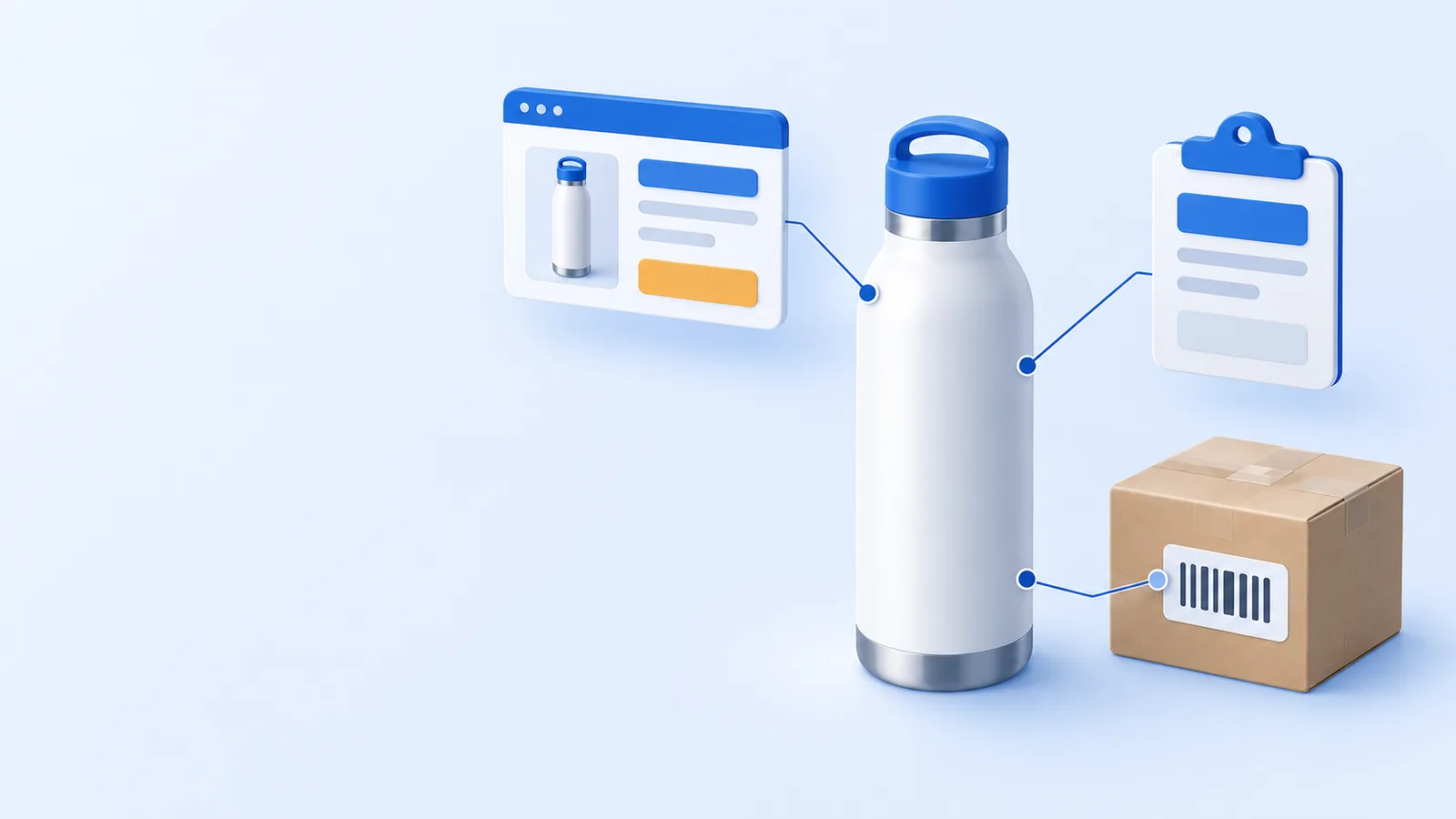
Your best seller, the 32 oz water bottle, has three IDs: one for the product page, one for your inventory records, and one on this product's warehouse label. Mix them up and units land under the wrong product. This lesson shows how to tell them apart.
ASIN: the product page's number
The ASIN (Amazon Standard Identification Number) identifies a product in Amazon's catalog. Amazon assigns it when the product page is created. Sellers of the same product share that ASIN and page.
Each variation, such as a color or size, has its own child ASIN under a parent. An ASIN has 10 letters and/or numbers. Your bottle's B0SIM00001 is fictional. L-Guard's tools look for 10-character codes starting with B0; that prefix check is narrower than Amazon's ASIN format (L-Guard check).
Where you see it: Products › Manage products (classic: Manage All Inventory), the product page, the sales and traffic report by child item, the Inventory Ledger (UI as of Oct 2026).
Where in the new layout: Products › Manage products (classic: Inventory › Manage All Inventory)
SKU: your own code
The SKU (stock keeping unit) identifies a product in your inventory records. You can choose it, or Amazon can assign one. HL-WB32-SLV follows our own system: Hearthline, water bottle, 32 oz, silver. A SKU is unique inside your account.
One ASIN can have several of your SKUs. For example, Amazon's barcode-switch process creates a new SKU for an existing ASIN.
Report names differ: the Inventory Ledger says MSKU (merchant SKU); reimbursements and returns say sku. L-Guard's readers treat them as one column (L-Guard check).
Where you see it: Manage products, Supply chain › Manage Amazon inventory (classic: Inventory), Manage orders and reports (UI as of Oct 2026).
Where in the new layout: Products › Manage products (classic: Inventory › Manage All Inventory); Supply chain › Manage Amazon inventory › Manage FBA inventory (classic: Inventory › Manage FBA Inventory); Orders › Manage orders (classic: Orders › Manage Orders)
FNSKU: your FBA inventory ID
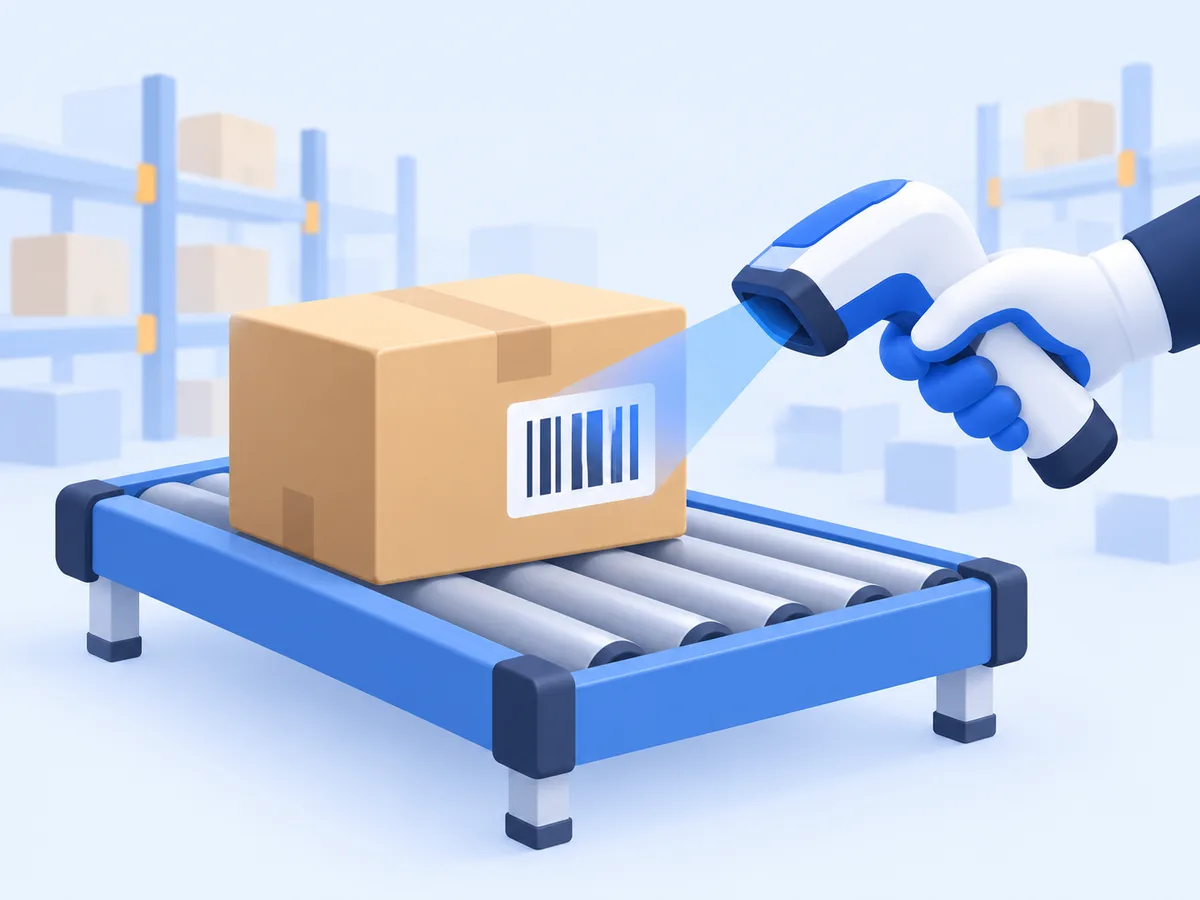
The FNSKU (fulfillment network SKU) identifies inventory in Amazon's fulfillment network. An Amazon barcode label links the product to your inventory; this bottle's label reads XSIM000001.
Every FBA unit needs a barcode, but not every unit needs an FNSKU sticker. Eligible products of enrolled brand representatives may use manufacturer barcodes. For inventory shipped on or after Mar 31, 2026, resellers need Amazon barcode labels. Check the product's barcode eligibility before shipping.
The examples on this page use Amazon barcode labels; these example codes are fictional. US prep services ended Jan 1, 2026; the low-inventory-level fee is per FNSKU since Jan 15, 2026 (Amazon rules).
Where you see it: Amazon barcode labels, inventory records, the Inventory Ledger, reimbursements and returns reports.
Where in the new layout: Supply chain › Manage Amazon inventory › Manage FBA inventory (classic: Inventory › Manage FBA Inventory)
Five common mix-ups
- Treating the ASIN as yours. Sellers share the product page.
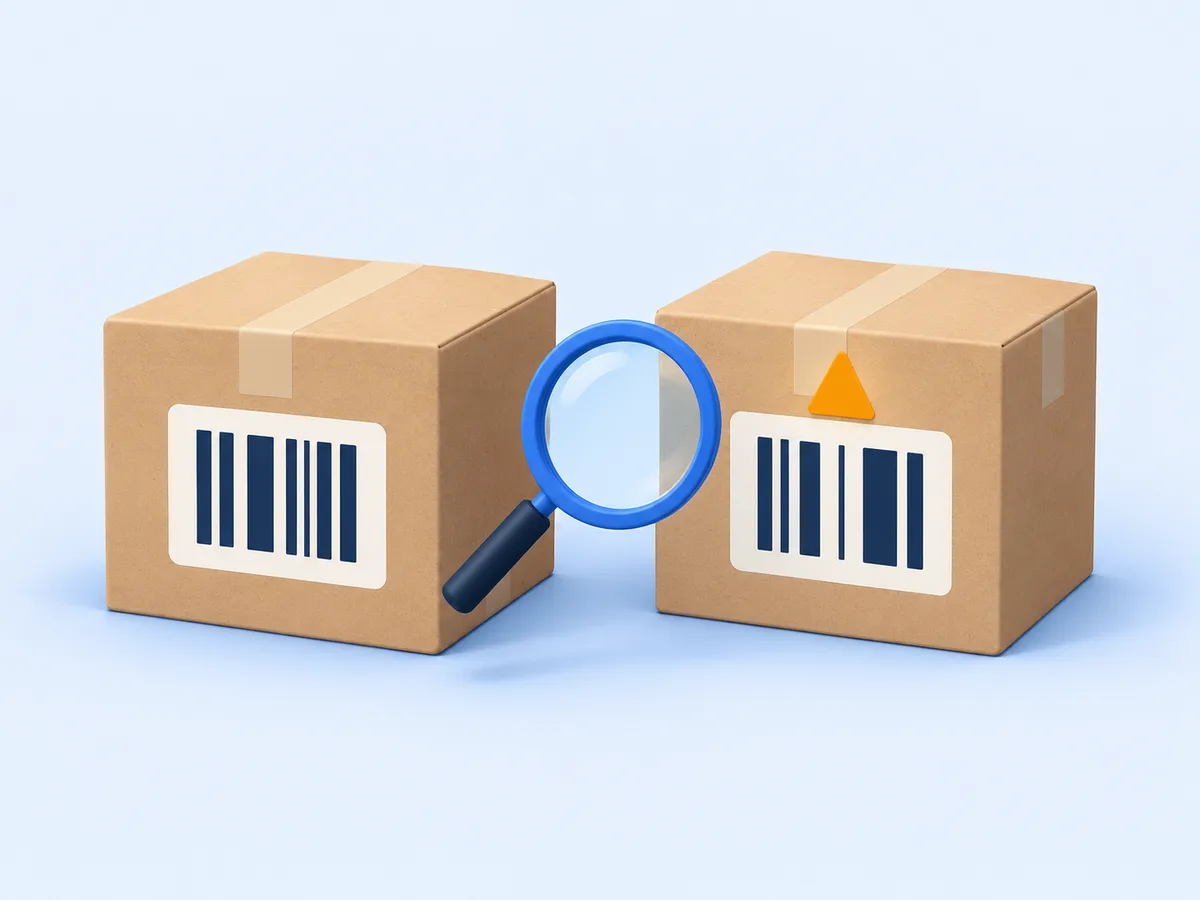
- The wrong label. A black bottle's FNSKU on silver bottles files them as black.
- Joining by title. Titles can change. Join by SKU or FNSKU (L-Guard tip).
- ASINs in Search Terms. L-Guard's checker warns about ASIN-like codes and your brand; use relevant words instead. Current Amazon help prohibits ASINs and brand names in this field (read Oct 24, 2026).
- A duplicate page. Match a product to its existing ASIN. Create a new ASIN for a product not already in the catalog (Amazon guidance).
Where in the new layout: All reports on My business, Supply chain reports on Supply chain, Finance reports on Finance (classic: Reports); Products › Manage products (classic: Inventory › Manage All Inventory); Supply chain › Manage Amazon inventory › Manage FBA inventory (classic: Inventory › Manage FBA Inventory)
Key terms
- ASIN
- The ID of one product page. Amazon assigns it; every seller of that product shares it.
- SKU
- The code for a product in your own inventory records. You can choose it, or Amazon can assign it.
- MSKU
- Merchant SKU: the SKU column's name in the Inventory Ledger.
- FNSKU
- The identifier for inventory in the fulfillment network. An Amazon barcode label links the product to your inventory.
- Parent and child ASIN
- Each variation (one color or size) has a child ASIN; the parent groups them.
- GTIN
- Global Trade Item Number: identifies a trade item, such as a product. Amazon’s category requirements and exemptions need verification.
Try it
Decode one product
Water Bottle 32 oz (silver): three IDs, who creates each one and where you see it.
| ID | Value | Who creates it | Scope | Where you see it |
|---|---|---|---|---|
| ASIN | B0SIM00001 | Amazon assigns it to the product page. | One product page, shared by every seller of the product. | Manage products, Product page, Sales and traffic report by child item, Inventory Ledger |
| SKU | HL-WB32-SLV | You choose it, or Amazon assigns it. | Your account only. | Manage products, Manage FBA inventory, Manage orders, Most reports (as sku or MSKU) |
| FNSKU | XSIM000001 | Amazon supplies the barcode for inventory that uses Amazon labels. | Your units of this product in Amazon's warehouses. | Unit labels, Manage FBA inventory, Inventory Ledger, Reimbursements and returns reports |
| Date | FNSKU | ASIN | MSKU | Title | Event Type | Quantity | Fulfillment Center | Disposition | Reason |
|---|---|---|---|---|---|---|---|---|---|
| 06/02/2026 | XSIM000001 | B0SIM00001 | HL-WB32-SLV | SIM · Water Bottle 32 oz | Receipts | 300 | SIM2 | SELLABLE | |
| 08/24/2026 | XSIM000001 | B0SIM00001 | HL-WB32-SLV | SIM · Water Bottle 32 oz | Adjustments | -2 | SIM2 | SELLABLE | M |
| 08/27/2026 | XSIM000001 | B0SIM00001 | HL-WB32-SLV | SIM · Water Bottle 32 oz | Adjustments | 2 | SIM2 | SELLABLE | F |
Click the column that tells the warehouse whose units these are.
Answer
FNSKU. Yes. This product uses an Amazon barcode label, whose FNSKU links it to your inventory.
Click the column that holds your own code.
Answer
MSKU. Yes. MSKU is the merchant SKU: the code in your inventory records.
Click the ID that every seller of this product shares.
Answer
ASIN. Yes. The ASIN belongs to the product page, so every seller on that page has the same one.
Reason M = misplaced (a loss), F = found. These three example rows use fictional products and IDs; codes containing SIM are made up.
Check yourself
Which statement about creating a SKU is correct?
- It is always the same as the ASIN
- You may choose it, or Amazon may assign it
- Only the manufacturer can create it
- The warehouse creates it when units arrive
Answer and explanations
Answer: B. You may choose it, or Amazon may assign it
- A. ASIN and SKU serve different purposes. The ASIN identifies the catalog product.
- B. Correct. You can choose a SKU that follows your own system, or Amazon can assign one. It identifies your inventory record.
- C. A manufacturer barcode is different from your inventory SKU.
- D. The SKU exists in your inventory record before units reach the warehouse.
Another seller starts selling the same water bottle on your product page. What do you share?
- The ASIN
- The SKU
- The FNSKU
- Nothing
Answer and explanations
Answer: A. The ASIN
- A. Correct. One product page has one ASIN, for every seller of that product.
- B. No. Each seller has their own SKUs.
- C. No. The shared catalog ID is the ASIN. Amazon barcode labels identify inventory separately; eligible inventory may use manufacturer barcodes.
- D. You share the product page, so you share its ASIN.
This product uses Amazon barcode labels. Which ID on its label links it to your inventory?
- ASIN
- SKU
- FNSKU
- Order ID
Answer and explanations
Answer: C. FNSKU
- A. The ASIN names the product page, and every seller of the product shares it, so it cannot say whose unit this is.
- B. The SKU is your inventory code; this Amazon barcode label carries the FNSKU.
- C. Correct. The FNSKU label ties the unit to the product and to your account.
- D. An order ID belongs to a sale, not to a unit on the shelf.
In the Inventory Ledger you see a column called MSKU. What is it?
- A second ASIN for variations
- Your SKU (merchant SKU)
- The fulfillment center code
- A fee code
Answer and explanations
Answer: B. Your SKU (merchant SKU)
- A. Variations have child ASINs, and those are in the ASIN column.
- B. Correct. MSKU is the merchant SKU: your own code. Other reports call the same thing sku.
- C. That is the Fulfillment Center column (SIM1 to SIM6 in these fictional examples).
- D. The ledger has no fee columns. It records unit movements.
Your backend Search Terms contain "B0SIM00001". What does the listing checker say?
- Pass: ASINs help shoppers find you
- Warning: use the bytes for relevant search words
- Fail: the listing is removed
- Nothing: Search Terms are not checked
Answer and explanations
Answer: B. Warning: use the bytes for relevant search words
- A. No. L-Guard's listing checker flags ASIN-like codes in this field. Use relevant search words instead.
- B. Correct. L-Guard's listing checker warns about ASIN-like codes and your brand. Current Amazon help prohibits ASINs and brand names in Search Terms; an amber warning is not permission to include them.
- C. L-Guard's checker reports a warning, not a removal. Amazon prohibits these terms; the checker cannot predict an enforcement outcome.
- D. Search Terms are checked: the 249-byte limit, repeats, punctuation, ASINs and the brand.
Sources
| Fact | Date | Label | Source |
|---|---|---|---|
| Low-inventory-level fee assessed per FNSKU since Jan 15, 2026; conditions and exemptions apply. | read Oct 24, 2026 | Amazon rule | Low-inventory-level fee assessed per FNSKU since Jan 15, 2026; conditions and exemptions apply. · sellercentral.amazon.com (opens a real Amazon page) |
| US FBA prep and item-labeling services ended Jan 1, 2026; follow current US prep requirements before sending inventory. | read Oct 24, 2026 | Amazon rule | US FBA prep and item-labeling services ended Jan 1, 2026; follow current US prep requirements before sending inventory. · sellercentral.amazon.com (opens a real Amazon page) |
| Commingling ends for inventory shipped on or after Mar 31, 2026; eligible Brand Representatives may use manufacturer barcodes; resellers require Amazon barcodes. | read Oct 24, 2026 | Amazon rule | Commingling ends for inventory shipped on or after Mar 31, 2026; eligible Brand Representatives may use manufacturer barcodes; resellers require Amazon barcodes. · Source 1 · sellercentral.amazon.com (opens a real Amazon page); Commingling ends for inventory shipped on or after Mar 31, 2026; eligible Brand Representatives may use manufacturer barcodes; resellers require Amazon barcodes. · Source 2 · sellercentral.amazon.com (opens a real Amazon page) |
| Report column names: Inventory Ledger Detailed view has FNSKU, ASIN, MSKU; FBA reimbursements and customer returns have sku, fnsku, asin. | read Oct 24, 2026 | Report format | Report column names: Inventory Ledger Detailed view has FNSKU, ASIN, MSKU; FBA reimbursements and customer returns have sku, fnsku, asin. · developer-docs.amazon.com (opens a real Amazon page) |
| SKU, MSKU and merchant sku read as one column | checked Oct 14, 2026 | L-Guard check | L-Guard claims checker (Oct 8, 2026) |
| L-Guard listing checker (Oct 7, 2026 version): ASIN-like codes and brand names in Search Terms produce an amber warning; this is not the current Amazon policy classification. | Oct 7, 2026 | L-Guard check | /listing-limits-checker/ |
| ASIN format, variations, and matching an existing product to its catalog page | Sep 28, 2025; read Oct 24, 2026 | Amazon guidance | ASIN format, variations, and matching an existing product to its catalog page · sell.amazon.com (opens a real Amazon page) |
| Fictional IDs B0SIM..., XSIM..., SIM1-SIM6 | Oct 15, 2026 | Fictional example | L-ASINAUT world rules |
| New seller account paths: Products › Manage products, Supply chain › Manage Amazon inventory, workspaces and the menu (UI as of Oct 2026) | read Oct 24, 2026 | Amazon guidance | New seller account paths: Products › Manage products, Supply chain › Manage Amazon inventory, workspaces and the menu (UI as of Oct 2026) · sellercentral.amazon.com (opens a real Amazon page) |
| SKU identifies the seller inventory record; the seller may choose it or Amazon may assign it | May 20, 2025; read Oct 24, 2026 | Amazon guidance | SKU identifies the seller inventory record; the seller may choose it or Amazon may assign it · sell.amazon.com (opens a real Amazon page) |
| FBA barcode requirements: manufacturer barcodes or Amazon barcode labels, according to eligibility | read Oct 24, 2026 | Amazon rule | FBA barcode requirements: manufacturer barcodes or Amazon barcode labels, according to eligibility · sellercentral.amazon.com (opens a real Amazon page) |
| Manufacturer barcode eligibility: new condition, one scannable UPC/EAN/ISBN matching one ASIN, product registered to the enrolled brand, and the seller’s Brand Representative role. | read Oct 24, 2026 | Amazon rule | Manufacturer barcode eligibility: new condition, one scannable UPC/EAN/ISBN matching one ASIN, product registered to the enrolled brand, and the seller’s Brand Representative role. · sellercentral.amazon.com (opens a real Amazon page) |
| Switching barcode type can require a new SKU for an existing ASIN | read Oct 24, 2026 | Amazon guidance | Switching barcode type can require a new SKU for an existing ASIN · sellercentral.amazon.com (opens a real Amazon page) |
| Full GTIN rules and exemption eligibility are outside this lesson's verified scope | — | Not confirmed on a public Amazon page yet | — |
| ASINs and brand names are prohibited in Search Terms, regardless of a historical checker’s warning color. | read Oct 24, 2026 | Amazon rule | ASINs and brand names are prohibited in Search Terms, regardless of a historical checker’s warning color. · Source 1 · sellercentral.amazon.com (opens a real Amazon page); ASINs and brand names are prohibited in Search Terms, regardless of a historical checker’s warning color. · Source 2 · sellercentral.amazon.com (opens a real Amazon page) |
| GTIN identifies a trade item; this definition does not establish Amazon category requirements or exemption eligibility. | read Oct 24, 2026 | Definition | GTIN identifies a trade item; this definition does not establish Amazon category requirements or exemption eligibility. · support.gs1.org |
What changed on this page
- Published